Meganet provides comprehensive, commercial Point of Sale (POS) and electronic invoicing software tailored for Greek businesses. GonnaOrder allows you to connect your store with Meganet POS through a single configurable URL endpoint. Upon successful integration, all incoming online orders are published to Meganet. Note that this integration is only available for stores in Greece.
| Website | https://meganet.gr |
| Company Logo | 
|
On This Page
- How to Connect Your Store to Meganet
- Submission of Orders to Meganet Endpoint
- Deactivate/ Disconnect Meganet from Your Store
How to Connect Your Store to Meganet
Integrating your store with Meganet is a straightforward process.
- Go to your store Settings on the side menu and click the Integrations tab.
- Scroll down to find the Meganet logo and click Connect.
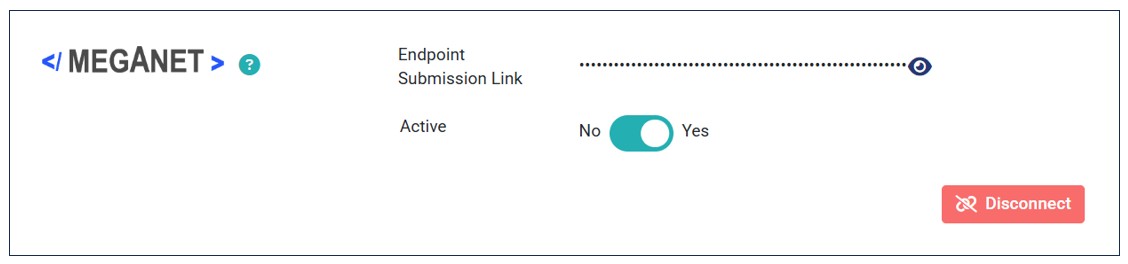
- Enter your Meganet Endpoint Submission Link and click Connect.
- The store is successfully connected to Meganet. All incoming orders are sent to the provided Endpoint submission Link.


Submission of Orders to Meganet Endpoint
Once you successfully integrate your store with Meganet, all incoming orders are sent to the Meganet endpoint. Here is an sample payload with order details sent to the POS:
{
  "storeId": 1000,
  "orderUuid": "067c877a-d3eb-47e3-a353-383174e1ac34",
  "deliveryMethod": "NO_LOCATION",
  "totalDiscountedPrice": 17,
  "totalNonDiscountedPrice": 22,
  "paymentMethod": "NO_PAYMENT",
  "customerName": "John Doe",
  "customerEmail": "johndoe@mail.com",
  "customerPhoneNumber": null,
  "address": {},
  "orderItems": [
    {
      "uuid": "d7721b19-0f34-4394-8ae5-926f50e93c4d",
      "quantity": 1,
      "offerPrice": 15,
      "totalPrice": 10,
      "comment": null,
      "offer": {
        "id": 562,
        "name": "Sweet Pasta",
        "countAgainstSlot": 0
      }
    },
    {
      "uuid": "ac445878-3968-4483-9d7c-adfdf0d8282b",
      "quantity": 1,
      "offerPrice": 7,
      "totalPrice": 7,
      "comment": null,
      "offer": {
        "id": 720,
        "name": "Fried rice",
        "countAgainstSlot": 0
      }
    }
  ]
}
Deactivate/ Disconnect Meganet from Your Store
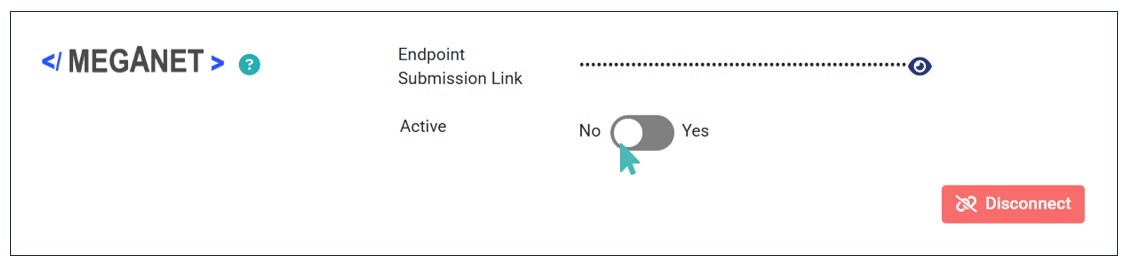
If you no longer want to send orders to Meganet, you can deactivate or disconnect the integration from the store. Deactivating the connection will keep your integration details on the store. Therefore, you can reactivate it later without having to provide the Endpoint Submission Link again.
Simply switch the Active toggle on the Meganet integration to No section to deactivate the connection.
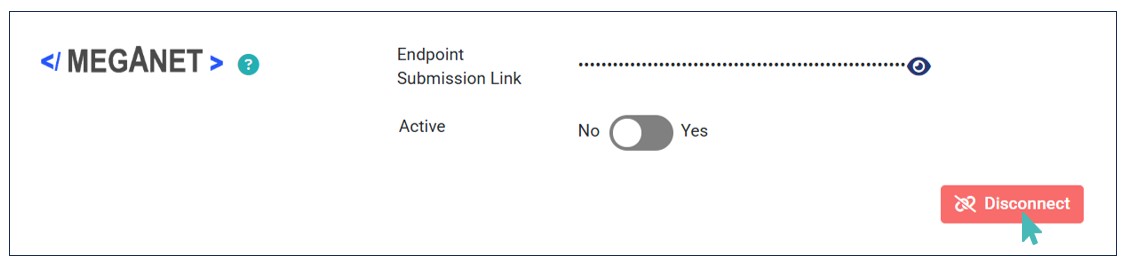
For complete disconnection and removal of your Meganet integration details, click the Disconnect button.
Note that whether you choose to deactivate or delete Meganet, orders will no longer flow to your POS. Therefore, you can consider connecting to other POS solutions to continue receiving orders to your POS.