White Label POS (WPOS) offers smart POS integration services, allowing businesses to manage their offline and online orders directly from the POS. You can connect your GonnaOrder store with WPOS, ensuring all incoming orders are submitted to your POS. Whether it’s table, pickup, or delivery orders, you can view and manage them from your POS. Note that the integration is setup by WPOS support team. However, this guide provides a quick guide on how to get your store connected to WPOS.
| Website | https://www.whitelabelpos.com/ |
| Company Logo |  |
On This Page
Integrate Your Store With WPOS
Here are the steps to follow to have your store connected to WPOS for order management and syncing.
- Login to your store and click Settings on the side menu.
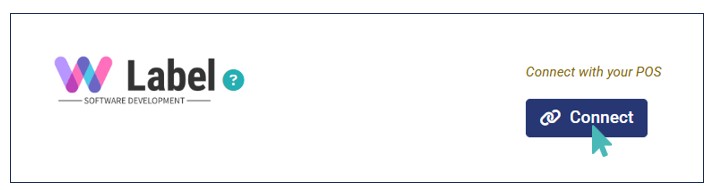
- Navigate to the Integrations tab and find the White Label POS logo.
- Click Connect to initiate the integration process.
- Next, enter the Venue ID and click Connect. Please contact White Label POS support team to obtain your store’s Venue ID.
- On clicking Connect, the venue ID is verified, and if valid, the store is successfully connected to WPOS and orders are sent to your POS.


Note
- White Label POS is only available for Greece-based stores.
- The White Label POS support team will handle the integration, mapping, and syncing of orders to your POS once they provide the venue ID.
Disconnect WPOS from Your Store
If you want to stop receiving online orders in your POS, you can deactivate or disconnect the integration. Simply click Disconnect or toggle the Active button to No on the White Label POS integration section.
